Local Video Player
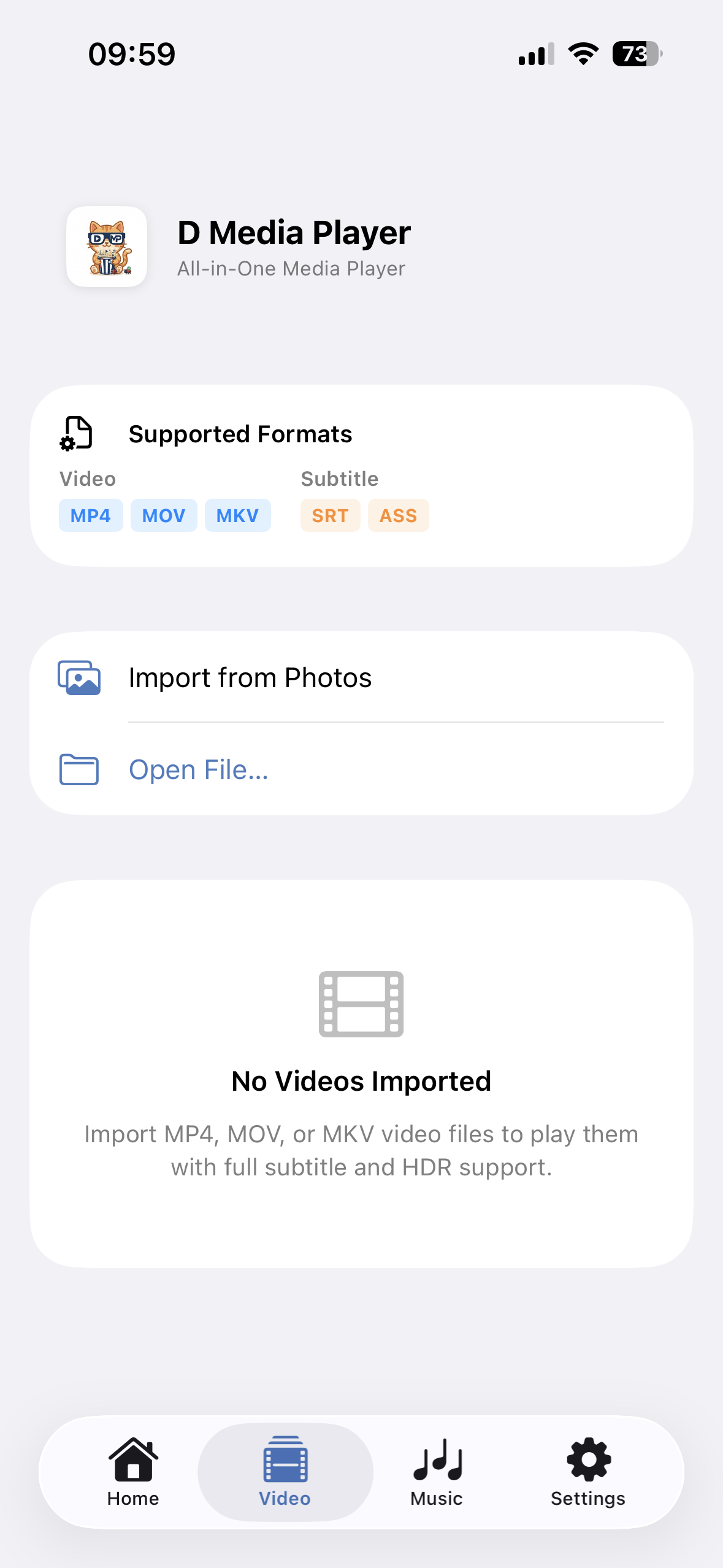
Play MKV, MP4, MOV and more directly from your device with the native iOS player.

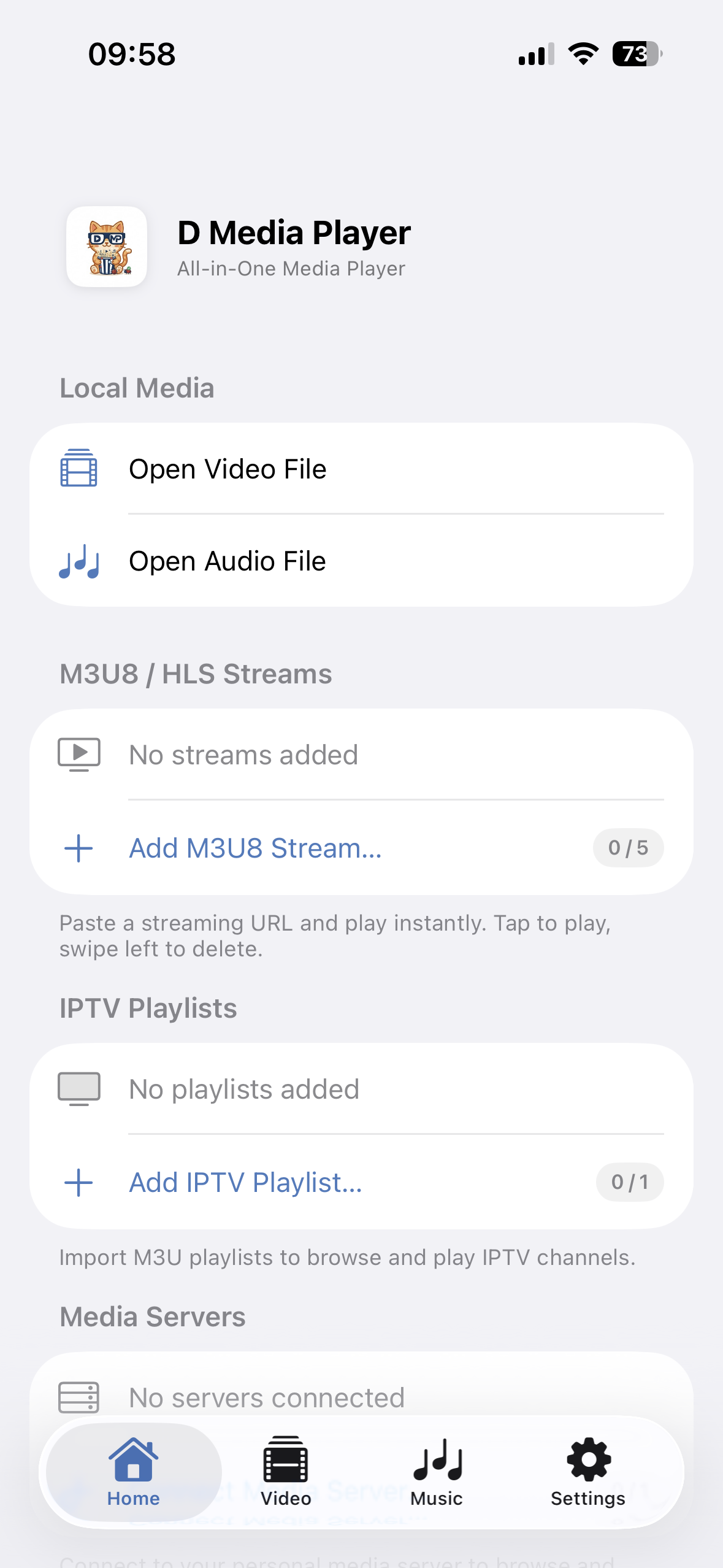
Play local videos and music. Stream IPTV channels. Connect your personal media servers. One app for all your media.
Features
A robust, highly-customizable media player designed to render your local and streaming media into beautiful native interfaces.
Play MKV, MP4, MOV and more directly from your device with the native iOS player.
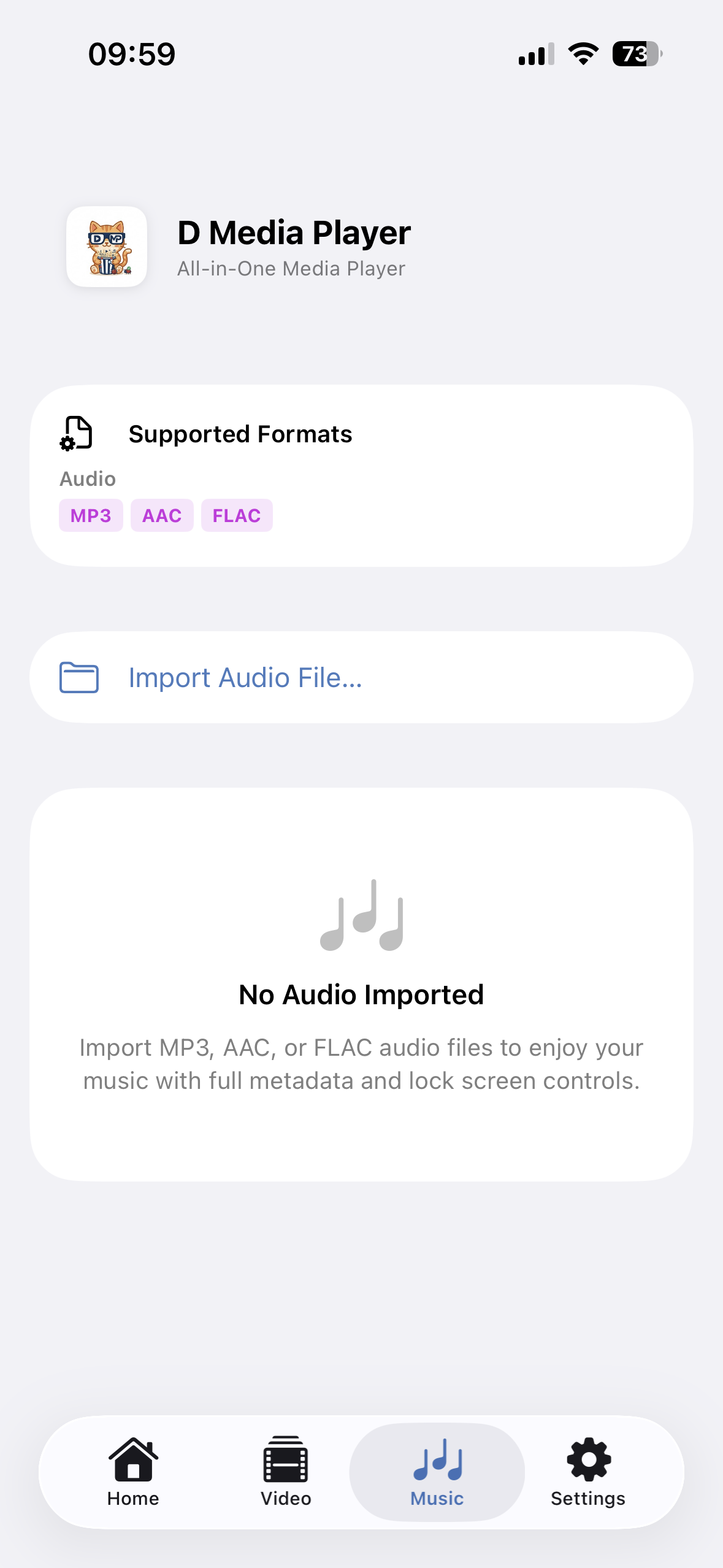
Enjoy your music with FLAC, MP3, WAV support, complete with album art display.
Import M3U playlists to browse and watch IPTV channels. Filter by group, search channels, and play live TV instantly.
Paste any M3U8 or HLS streaming URL and play instantly. Save your favorite streams for quick access.
Connect to your personal media server to browse and stream your library directly from your device.
Full subtitle support (SRT, ASS) with Picture-in-Picture mode and background audio playback.
Protect your app with FaceID/TouchID. Zero data collection, and no accounts required to use the app.
Three simple steps to enjoy your media.
Import local media files, paste IPTV playlist URLs, or connect your personal media server.
Browse IPTV channels by category, search your media library, or explore your server content.
Play your media using native Apple frameworks for the best viewing experience.
Plans
All core media player features are free forever. Upgrade to Pro for unlimited sources and playback history.
Download the app today and bring your media to life.
Download App